Set up your Brother printer
Enter your Brother product name and model number to get the right Brother software and drivers for you.
Driver FAQs
Learn about downloading, installing, and updating your drivers and software.
Drivers are software programs that enable your computer operating system to communicate with your Brother hardware device, transmitting print jobs, scan data, and status alerts.
Select your printer model and operating system (Windows or macOS). Download the Full Driver & Software Package and follow the on-screen installer prompts.
If your printer exhibits communication timeouts, prints blank sheets, or after a major Windows or macOS operating system upgrade, installing the latest certified driver resolves compatibility conflicts.
You might also need
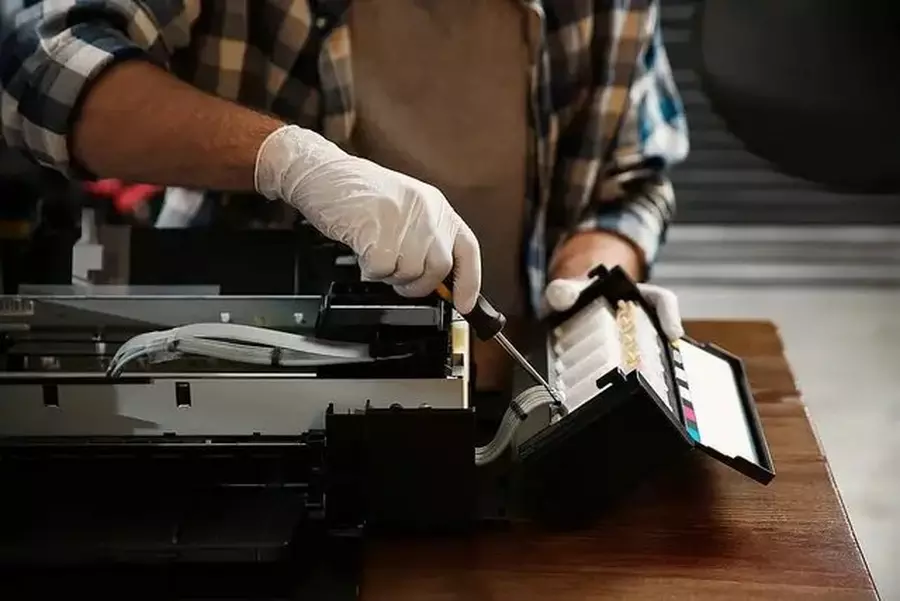
Product Repair
Locate a service center or find helpful replacement repair guides.
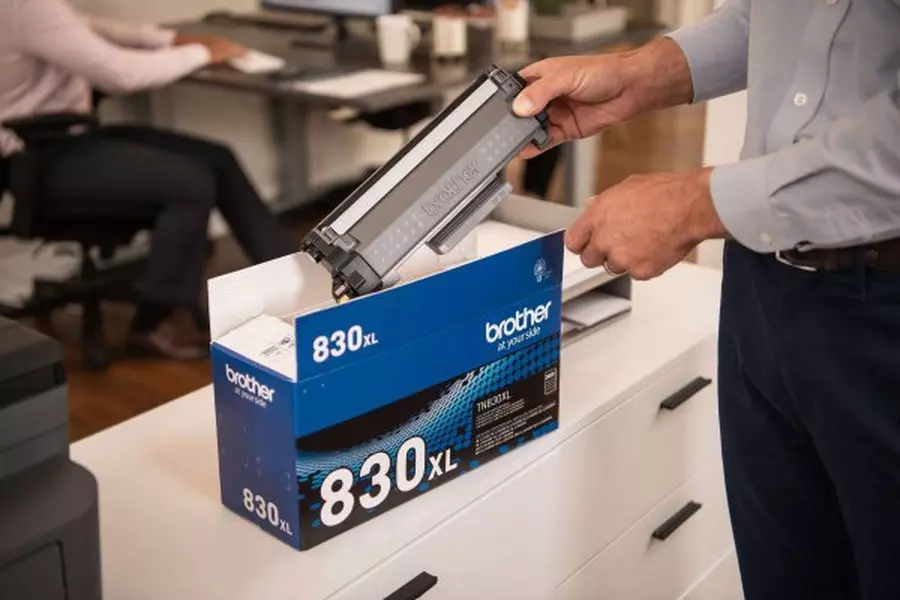
Product Recycling
Learn more about Brother's cartridge and hardware recycling program.
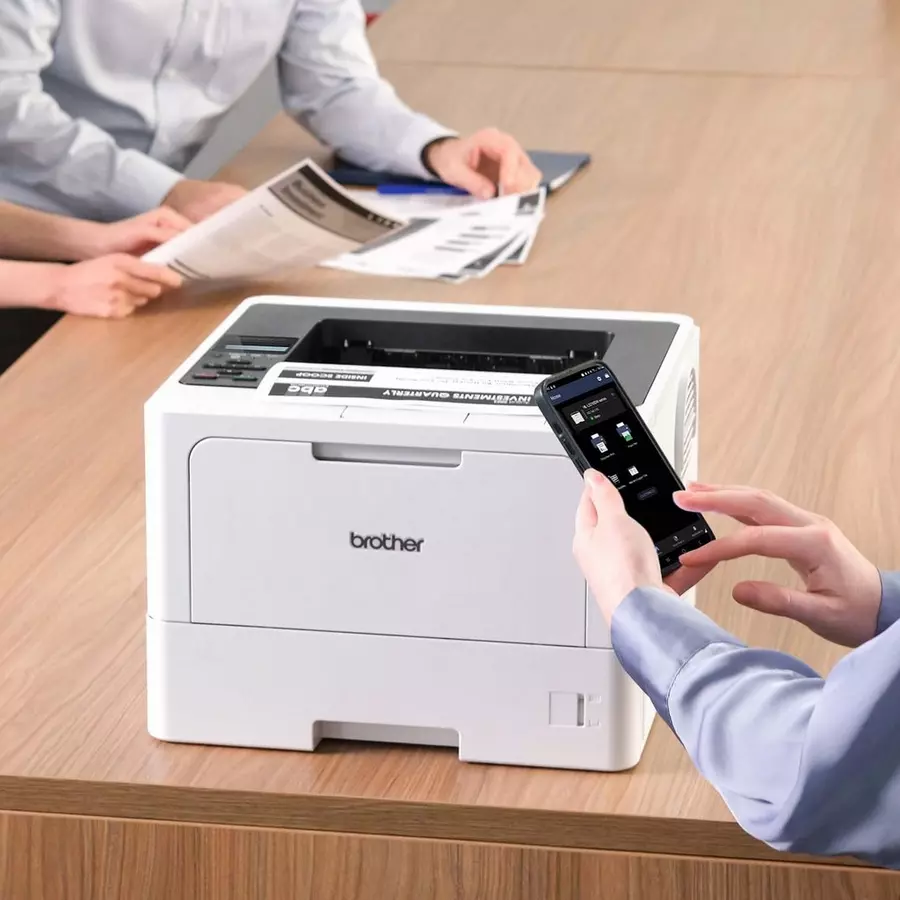
Register My Device
Visit our support center for product-specific support, FAQs, and more.